Odoo 20 has arrived, bringing another substantial round of changes across the platform.
But with hundreds of updates in the official release notes, the more useful question for businesses isn’t simply “what’s new in Odoo 20?” It’s: which changes could actually make a difference to the way we work?
Released in September 2026, Odoo 20 continues a direction we’ve seen developing across recent versions: more automation, more AI embedded into everyday processes, and closer connections between different areas of the business.
Rather than covering every individual update here, we’ve picked out some of the changes businesses are most likely to notice or benefit from.
And if you want the wider picture, you can also download our Odoo 20 Feature Guide, which brings together the latest features and improvements in one easy-to-reference overview.
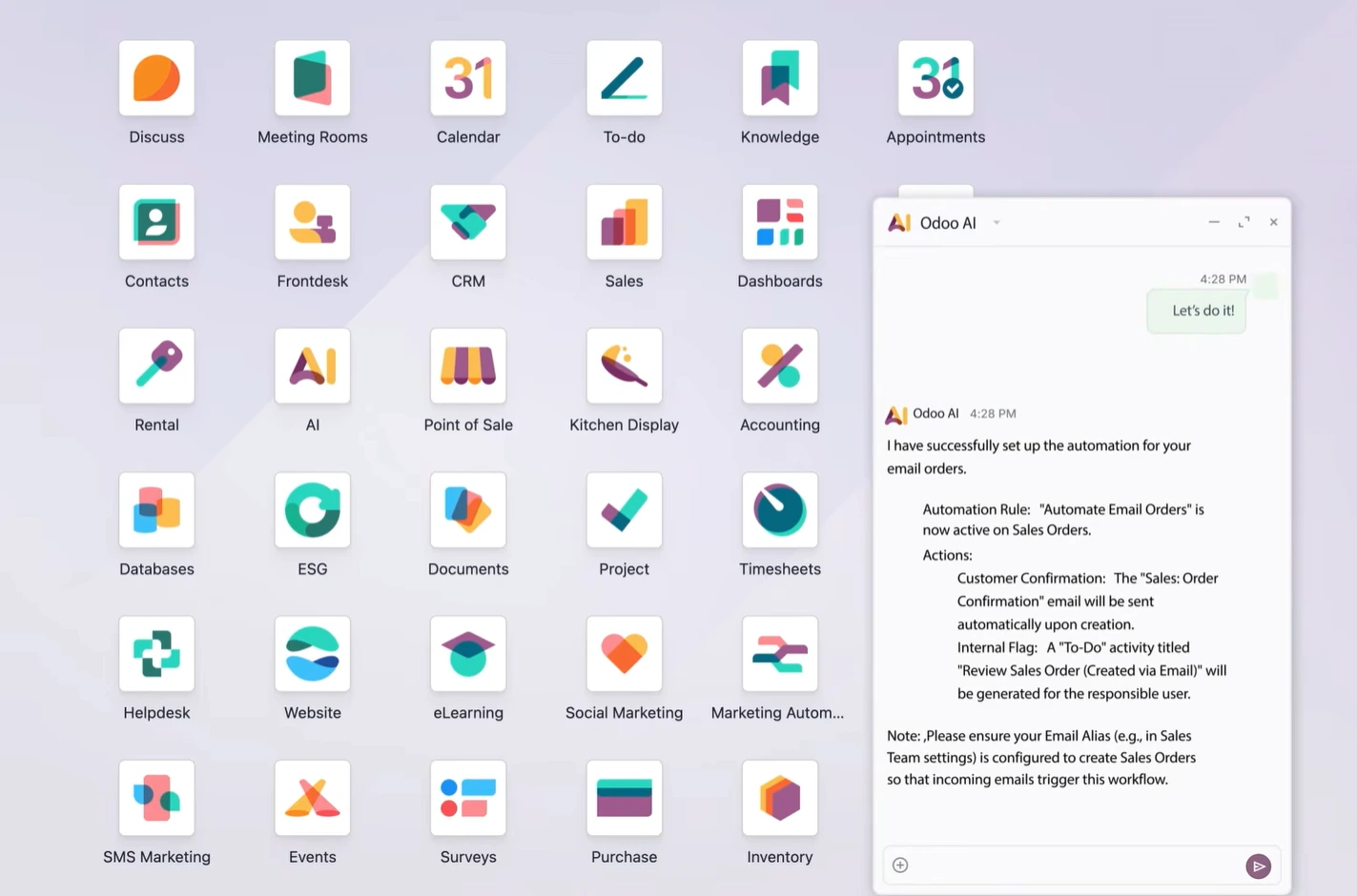
AI is moving from assistance to action
AI isn’t entirely new to Odoo.
Odoo 19 already introduced AI agents, AI-generated fields, natural-language search and the ability to use AI within server actions.
Odoo 20 takes that idea further by putting AI more directly into business workflows.
Instead of only asking an AI assistant to find information or draft content, businesses can increasingly use AI as part of automated processes that interact with records and trigger actions. Think of an incoming request being interpreted, the relevant information being captured and the next steps being initiated with less manual intervention. AI is also becoming more visible elsewhere in the system, from accounting assistance to generating website content and pages from prompts.
The important change here isn’t simply that Odoo “has AI”. It’s that AI is becoming another automation layer inside the ERP.
For businesses with repetitive administrative processes, that could become one of the most significant developments in Odoo 20.
CRM and Sales: less admin around the sale
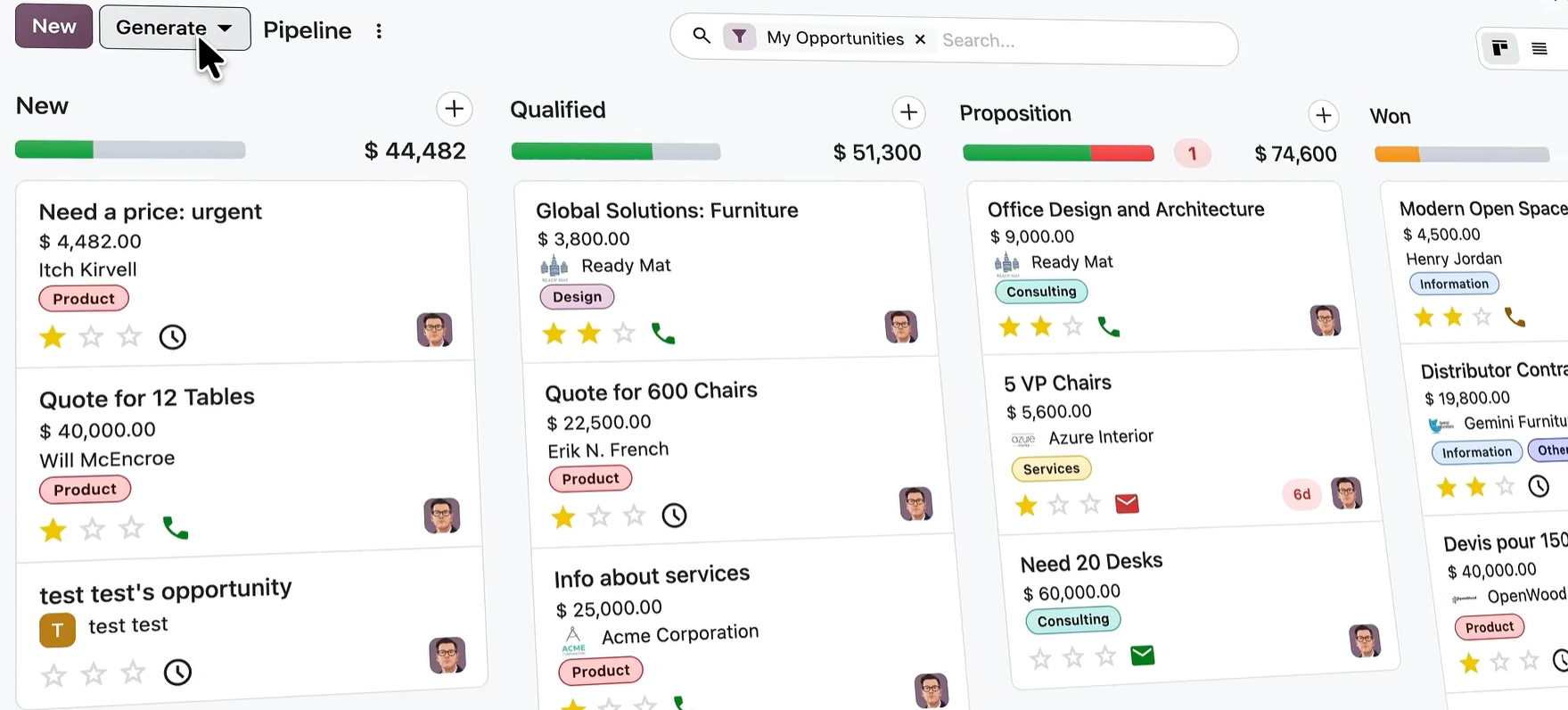
There are plenty of smaller improvements across CRM and Sales, but together they focus on making it quicker to find prospects, move between opportunities and build quotations.
- Prospecting capabilities continue to develop, with access to business data helping sales teams identify potential customers using criteria such as location and industry.
- Pipeline navigation has also been improved, making it easier for users working across different sales teams to move between pipelines.
- Quotation creation gets some particularly practical updates too.
- Sections can be saved as reusable templates and used again when building future quotations, while existing quotations and sales orders can also provide a starting point for future templates.
For businesses that regularly create complex or similar quotes, that matters more than it might initially sound.
Less rebuilding, less repetitive editing and greater consistency can all shorten the journey from enquiry to quotation.
Smarter decisions around stock and purchasing
For wholesale, distribution and product-based businesses, some of the most useful Odoo 20 changes sit within purchasing and inventory.
- Odoo’s replenishment capabilities can help businesses calculate suitable minimum and maximum stock levels using recent sales history and target inventory coverage.
- That gives purchasing teams more information when deciding not only what to reorder, but how much stock they should hold.
- Another useful development is stock allocation.
- Incoming purchased or manufactured stock can be allocated against particular sales or manufacturing demands before it physically arrives.
- Imagine two customers are waiting for the same product, but one has a particularly urgent order.
- Instead of relying solely on the normal reservation sequence, your team can have greater control over where incoming stock should go.
There are also wider improvements around supplier analysis, historical inventory visibility, logistics documentation and warehouse processes.
For businesses managing complex stock movements, small improvements like these can remove a surprising amount of manual intervention.
Manufacturing keeps moving
Manufacturing has been developing significantly across recent Odoo releases.
Odoo 19 introduced improvements including manufacturing Gantt views, with later 19.x updates continuing to develop work-order planning, BoM comparison and continuous production functionality.
Odoo 20 builds further on that direction.
One particularly useful capability is continuous production.
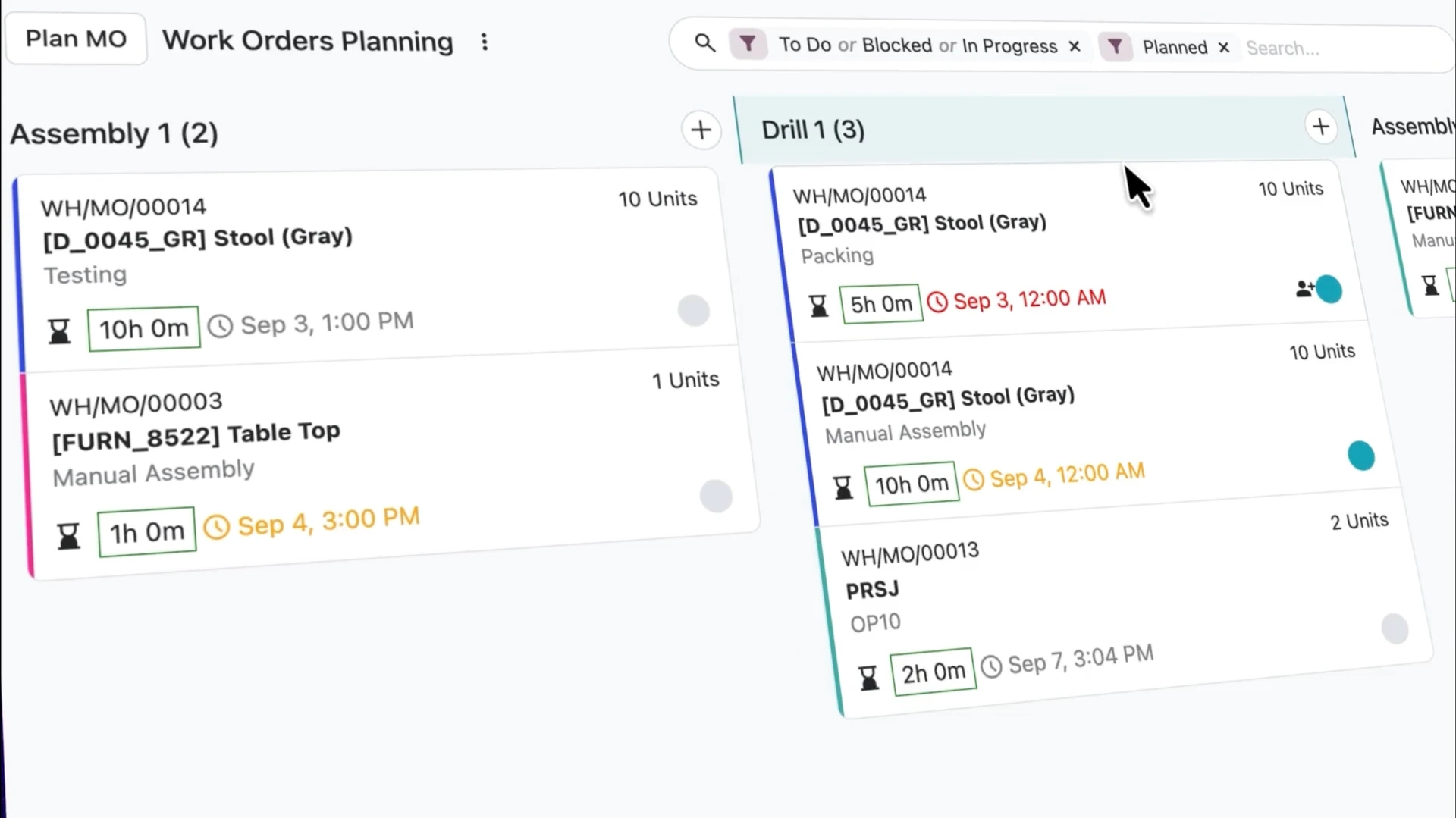
Operators can record quantities produced during a work order, allowing later operations to begin as soon as some quantity becomes available rather than waiting for the entire operation to finish.
For multi-stage manufacturing, that can reduce unnecessary waiting between processes.
Businesses can also compare Bills of Materials more easily, while Kanban and Gantt planning give teams clearer ways to visualise priorities, workloads and production schedules.
These may sound like planning-interface improvements, but on a busy shop floor, better visibility of what is happening next can translate into very practical operational benefits.
Field teams get a more connected planning experience
Field Service has been moving closer to Planning throughout recent Odoo releases, with the standalone Field Service experience becoming more closely integrated with Planning.
That direction continues in Odoo 20.
Planning can take customer locations into account, display technicians and shifts on maps and help teams coordinate interventions more effectively.
Travel times can also be considered within planning, giving schedulers a more realistic view of what can actually be achieved during the working day.
For organisations managing engineers, installers, maintenance teams or other mobile employees, having the job, resource, location and schedule considered together can remove a lot of manual coordination.
It also gives businesses better visibility over who is available, where they are and what they are working on.
Timesheets become easier to capture
Timesheets are another area where Odoo is trying to reduce the amount of information employees need to enter manually.
The Timesheet Assistant can use user activity alongside Odoo calendar and planning information to generate suggested timesheet entries for employees to review and confirm.
For service businesses, that has an obvious benefit: forgotten time can mean forgotten billable revenue.
The aim isn’t to remove employee oversight.
Instead, it provides a useful starting point so users are not trying to reconstruct their entire working day from memory at the end of the week.
Communication stays closer to the customer record
Odoo’s integrated calling capabilities have also continued to develop.
The bigger story here isn’t simply the phone functionality itself, but how closely communication is becoming connected with the rest of Odoo.
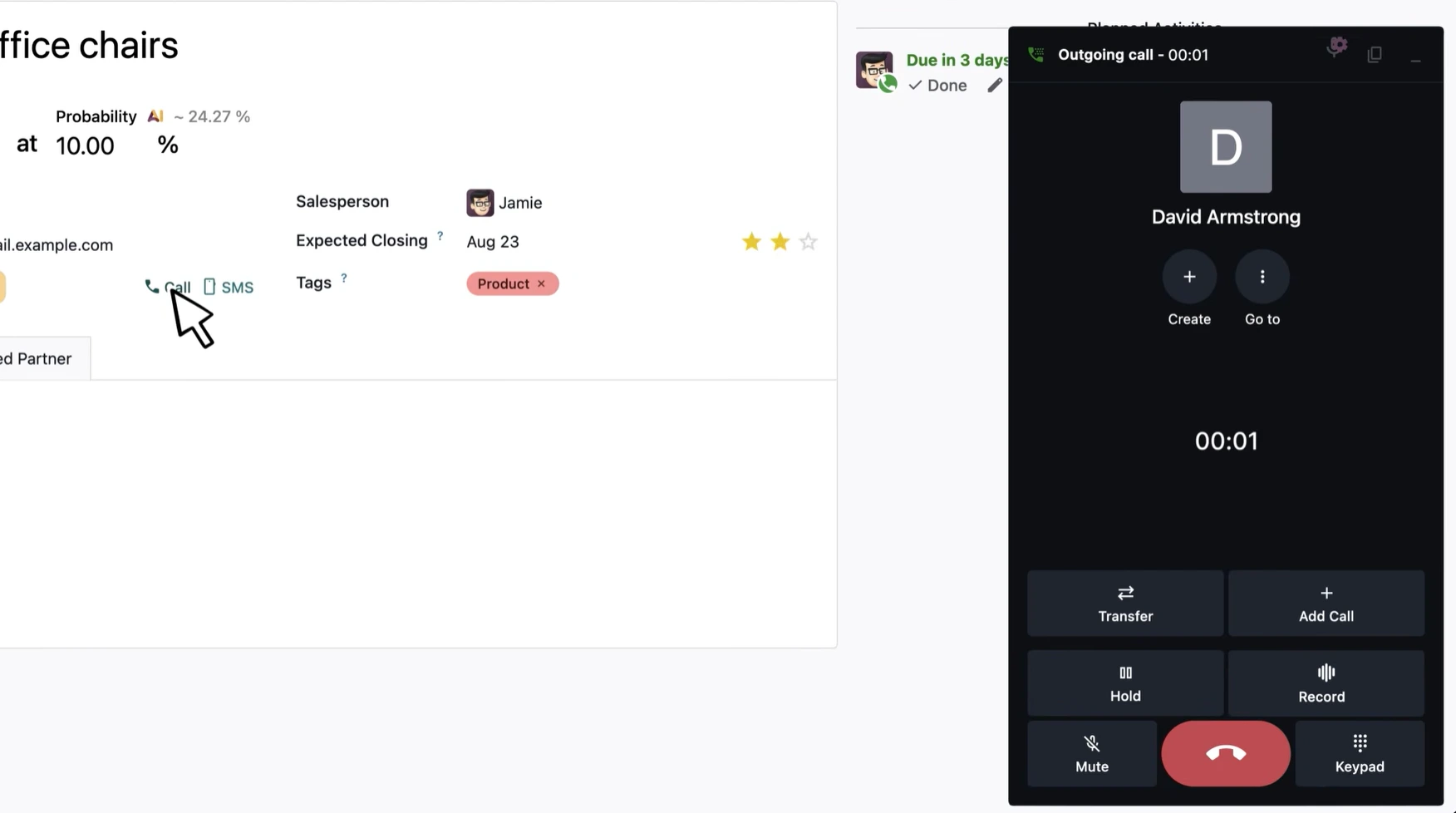
Calls can sit alongside customer records and applications such as CRM and Helpdesk, helping teams maintain a clearer history of customer interactions.
Features such as call status, recording, analytics and the ability to keep the phone widget open while navigating other Odoo apps all contribute to that experience.
For sales and service teams, that means less switching between systems and a better chance of keeping communication history attached to the relevant customer, opportunity or support case.
Odoo 19 vs Odoo 20: what has really changed?
Rather than treating Odoo 20 as a completely separate product, it makes more sense to see it as the next stage in changes Odoo has been introducing throughout the 19.x cycle.
| Area | Direction in Odoo 19 / 19.x | Odoo 20 direction |
|---|---|---|
| AI | AI agents, natural-language search and AI-assisted actions | Greater use of AI within automated business processes |
| CRM & Sales | Lead capture, AI insights and improved prospecting | Better pipeline navigation, prospecting and reusable quotation structures |
| Inventory | Improved replenishment and forecasting | Smarter stock decisions and more flexible allocation |
| Manufacturing | Gantt views and improved work-order planning | Continuous production and stronger production visibility |
| Field operations | Closer integration between Field Service and Planning | Deeper location, mapping and resource-planning capabilities |
| Timesheets | Improved time tracking | AI-assisted timesheet suggestions |
| Communication | Integrated Odoo Phone functionality | Continued development of connected calling and customer communication |
The difference is less about one enormous new application and more about removing small manual steps across connected processes.
That’s where many businesses are likely to feel the biggest impact.
Should you upgrade to Odoo 20?
New functionality alone shouldn’t determine when you upgrade.
Before moving to Odoo 20, it is worth considering your current Odoo version, custom developments, integrations, third-party modules and the processes that are critical to your business.
Testing matters too.
A feature that looks useful on a release list only creates value if it works effectively within your own processes.
For some organisations, functionality around AI, manufacturing, inventory or planning could make Odoo 20 particularly attractive.
For others, the right decision may be to plan the upgrade around a wider operational requirement rather than moving immediately.
Want the full Odoo 20 feature breakdown?
The updates above are only a selection of the changes included in Odoo 20.
There are also improvements across areas such as Accounting, Projects, Documents, Helpdesk, Website, eCommerce, Marketing Automation, HR, Point of Sale and more.
To make the full release easier to navigate, we’ve put together an Odoo 20 Feature Reference covering the key updates in one clear, easy-to-scan guide.
Inside, you’ll find:
- an app-by-app overview of the key Odoo 20 features
- a clear indication of what’s new and what’s improved
- a simple explanation of what has changed
- the business impact of each update
- which teams are most likely to benefit
Considering an upgrade to Odoo 20?
At Smart IT, we work with businesses to assess existing Odoo environments, understand what needs to be carried forward and plan upgrades around the way the organisation actually operates.
Take a look at our Odoo Upgrades service and customer upgrade case studies to learn more about our approach.
