Move your Odoo system forward with confidence
Upgrading Odoo involves more than moving between versions. Custom development, integrations, third party apps and business processes all need to be considered.
An Odoo upgrade is more than a version change
Over time, your Odoo environment can become complex, with custom development, third party applications, integrations and evolving business processes.
An upgrade is the opportunity to simplify, remove what you no longer need, and build a cleaner, more sustainable environment for the future.
Download your Odoo Upgrade Checklist ✓
Plan your next Odoo upgrade with confidence
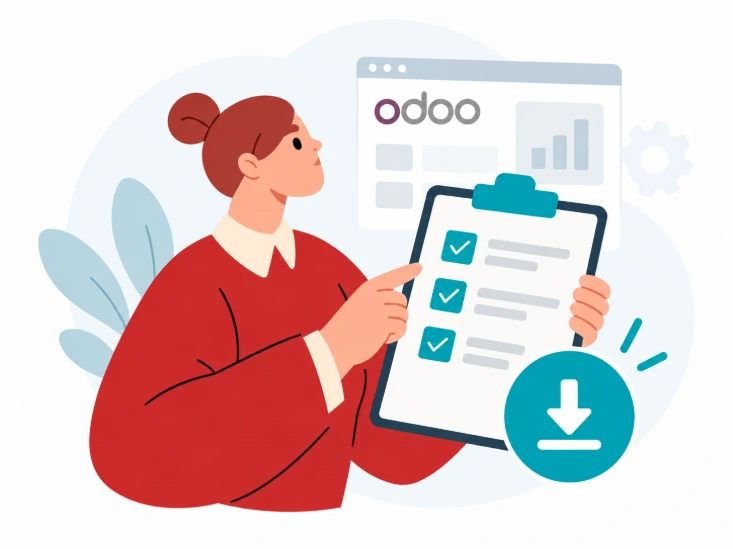
Preparing for an Odoo upgrade involves more than moving from one version to another. Our Odoo Upgrade Checklist is designed to help you think through the key steps before, during and after an upgrade.
What can make an Odoo upgrade more complex?

Custom development
If your Odoo environment includes custom modules or functionality, we need to understand how they have been built, what they do and whether they are still required in the target version.

Third-party applications
Third-party applications need to be reviewed individually. Some may have compatible versions available, some may need replacing, and others may no longer be necessary because the functionality is now available within Odoo.

Integrations
Connections with other platforms and services need to continue working as expected after the upgrade. These dependencies form an important part of planning and testing.
Your business processes
Technology is only one part of the upgrade. We also look at how your teams use Odoo day to day so that the upgrade reflects the processes your business actually needs.
How we approach an Odoo upgrade
1
Review the existing system
Understand your existing Odoo setup, customisations and integrations.
2
Identify what you still need
Decide what should stay, what can improve and what can be removed.
3
Check apps and dependencies
Review third-party apps, integrations and custom modules for compatibility.
4
Build the upgrade plan
Map out the work, testing and key considerations before the upgrade begins.
5
Upgrade, test and go live
Complete the upgrade, test the system and support your team through go-live.
CASE STUDY
Manufacturer
Lines of code
4,000 - 16,021
Custom modules
from 16 → 5
A bedding and soft furnishings manufacturer came to Smart IT on Odoo v11 with a high-risk inherited codebase. Across three upgrade cycles, Smart IT reduced complexity and created a more maintainable platform.
The client came to Smart IT on Odoo v11 with a heavily customised system inherited from a previous developer. Our review identified around 34,000 lines of code across 16 custom modules, including changes made directly to Odoo’s core code.
We carried out a code review and gap analysis to understand the technical risk, review which customisations were still needed and identify where standard Odoo functionality could replace unnecessary complexity. Smart IT then supported the business through three upgrades: v11 → v12 → v15 → v17.
Across three upgrades, the codebase was reduced from 34,000 lines across 16 modules to 16,021 lines across 5, creating a simpler, more maintainable Odoo environment.
Upgrade path
v11 → v12 → v15 → v17
CASE STUDY
Software company
Timeline
90-day deadline
Outcome
Live 3 days early
A global technology company came to Smart IT on Odoo v13 under a strict 90-day deadline to move to a supported version. With heavy reliance on third-party applications, Smart IT planned and delivered a successful v13 to v16 upgrade under significant time pressure.
The client had delayed previous upgrades and was given 90 days to reach a current supported Odoo version or risk losing their database. Although their own custom codebase was relatively small, the system relied heavily on third-party applications, adding complexity to the upgrade.
Because of the deadline, Smart IT moved quickly from a rapid code review into upgrade planning. Each third-party module was assessed to decide whether it could be upgraded, replaced or removed, while the wider plan focused on the highest-risk areas first.
Smart IT completed the v13 to v16 upgrade and went live 3 days ahead of the deadline, helping the client avoid database deletion. Users were able to work normally from go-live, with remaining lower-severity issues resolved within two weeks.
Upgrade path
v13 → v16
CASE STUDY
Retail & distribution
Key focus
Third-party app review
Collaboration
Smart IT + internal developer
A retailer and distributor of sustainability-focused consumer products upgraded from Odoo v15 to v18. The main complexity came from a heavy reliance on third-party applications and specialist modules managed by an internal developer.
The client’s custom code was well organised, but the upgrade involved a significant number of third-party applications and specialist modules managed by an internal developer.
Smart IT reviewed each third-party application to understand whether it was available in the new version, had become standard in Odoo or needed to be removed or reworked. A structured code-review process was also used to manage work with the client’s internal developer.
The v15 to v18 upgrade was completed successfully. Smart IT’s familiarity with the client’s customisations helped the core upgrade progress smoothly, while structured code review supported collaboration with the internal developer.
Upgrade path
v15 → v18
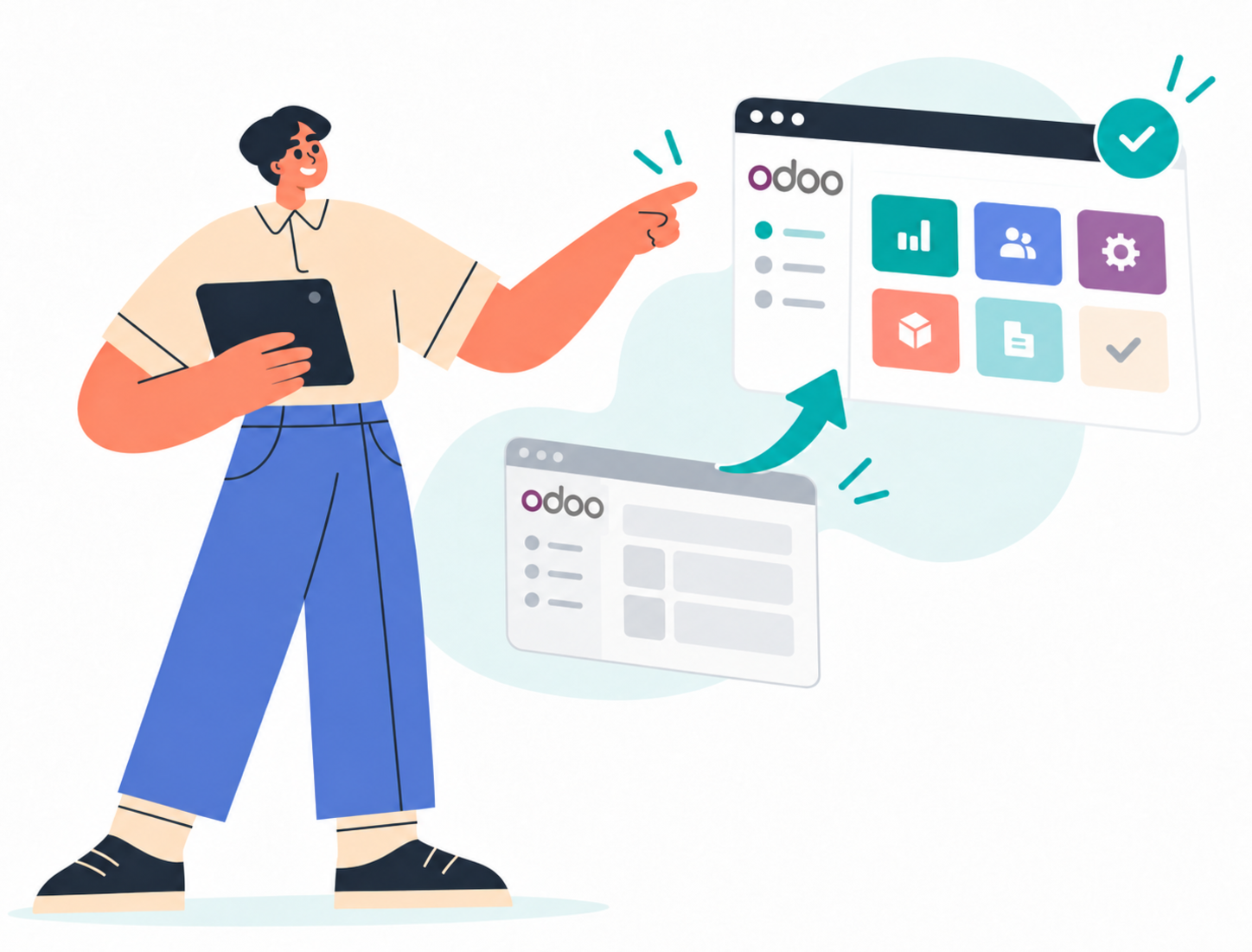
Planning your next Odoo upgrade?
Whether you're moving forward one version or catching up after several years, the first step is understanding the Odoo environment you have today.
Already have an internal developer?
We can work alongside your internal technical team, combining our Odoo expertise with your in-house knowledge. Together, we can plan, review, test and deliver a successful upgrade.
