
Make Single Sign-On (SSO) the required way to access Odoo
Smart SSO gives businesses greater control over how users sign in to Odoo, helping you enforce your existing SSO process, prevent selected users from logging in with a standard password and create a more consistent sign-in experience.
Make your existing SSO work harder
Having Single Sign-On available does not always mean users have to use it.
If standard Odoo password login is still available, users can bypass the authentication route your business has put in place.
Smart SSO helps close that gap by allowing you to make SSO the required login method for selected users. It works alongside your existing Microsoft, Google or other compatible SSO setup, giving you greater control over how your team accesses Odoo.
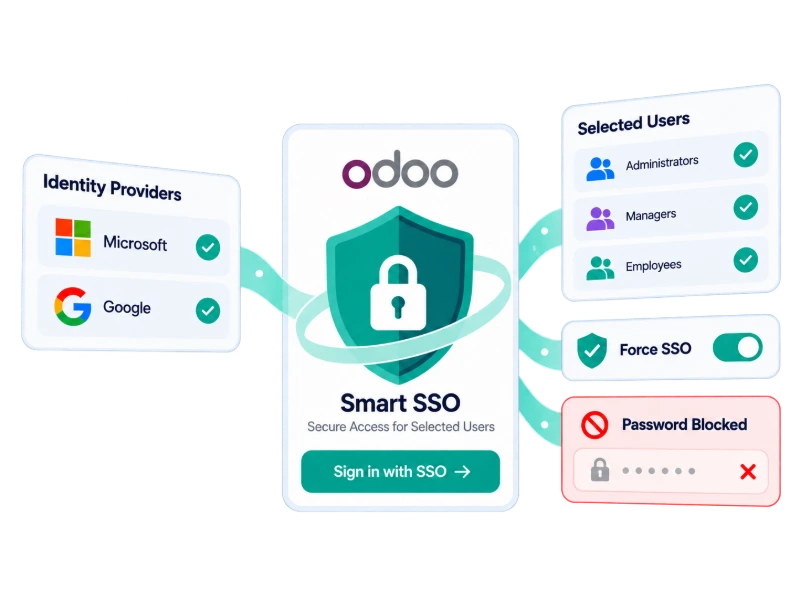
How Smart SSO works
A simple way to enforce SSO for the users that need it.
1
Keep your existing SSO
Use your current Microsoft, Google or other SSO setup with Odoo
2
Choose who requires SSO
Select the users or groups that should be required to use SSO
3
Block password login
Prevent password login for chosen users and direct them to SSO
Built directly into your Odoo environment
Manage SSO settings, guide your users and apply changes in bulk - all within Odoo.
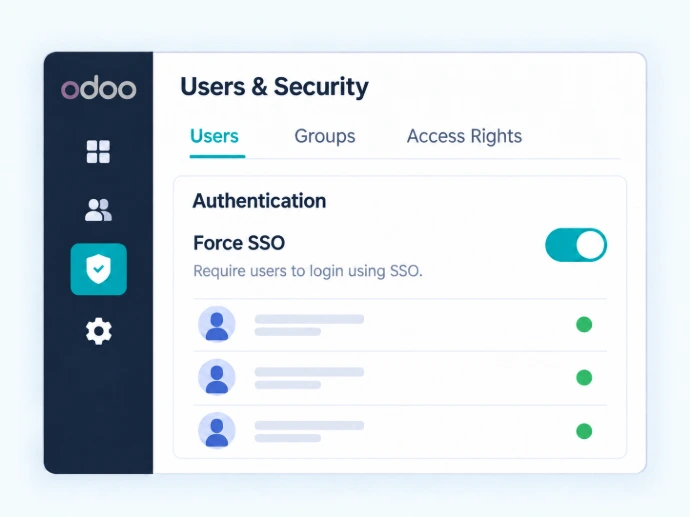
Enable SSO for selected users
Control which users must sign in using SSO directly from Odoo.
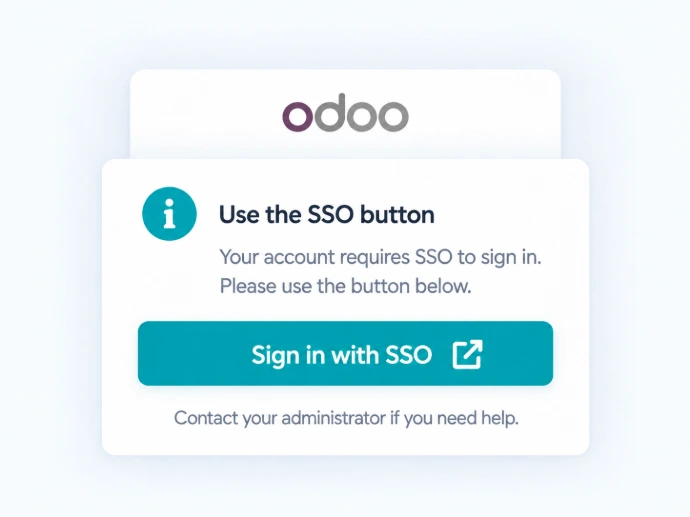
Clear guidance for your users
Show a clear message directing users to the correct SSO login options.
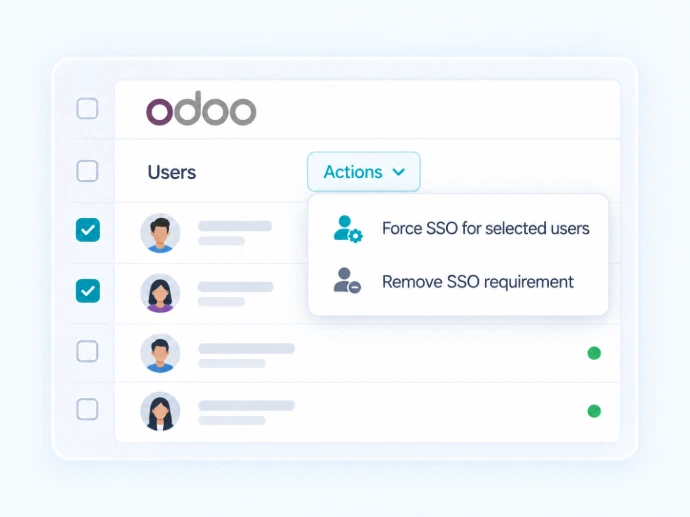
Bulk user management
Enforce SSO across multiple users quickly using the built-in bulk action.

Ready to take control of how your team signs in?
Talk to Smart IT about adding Smart SSO to your Odoo environment and making SSO the required login route for the users who need it.
